Date and Time Selection
All incoming and outgoing messages are tracked by Excel in the Raw sheet. To better show how to use Excel, let's go through the normal way to organize messages.
Date Range of Messages
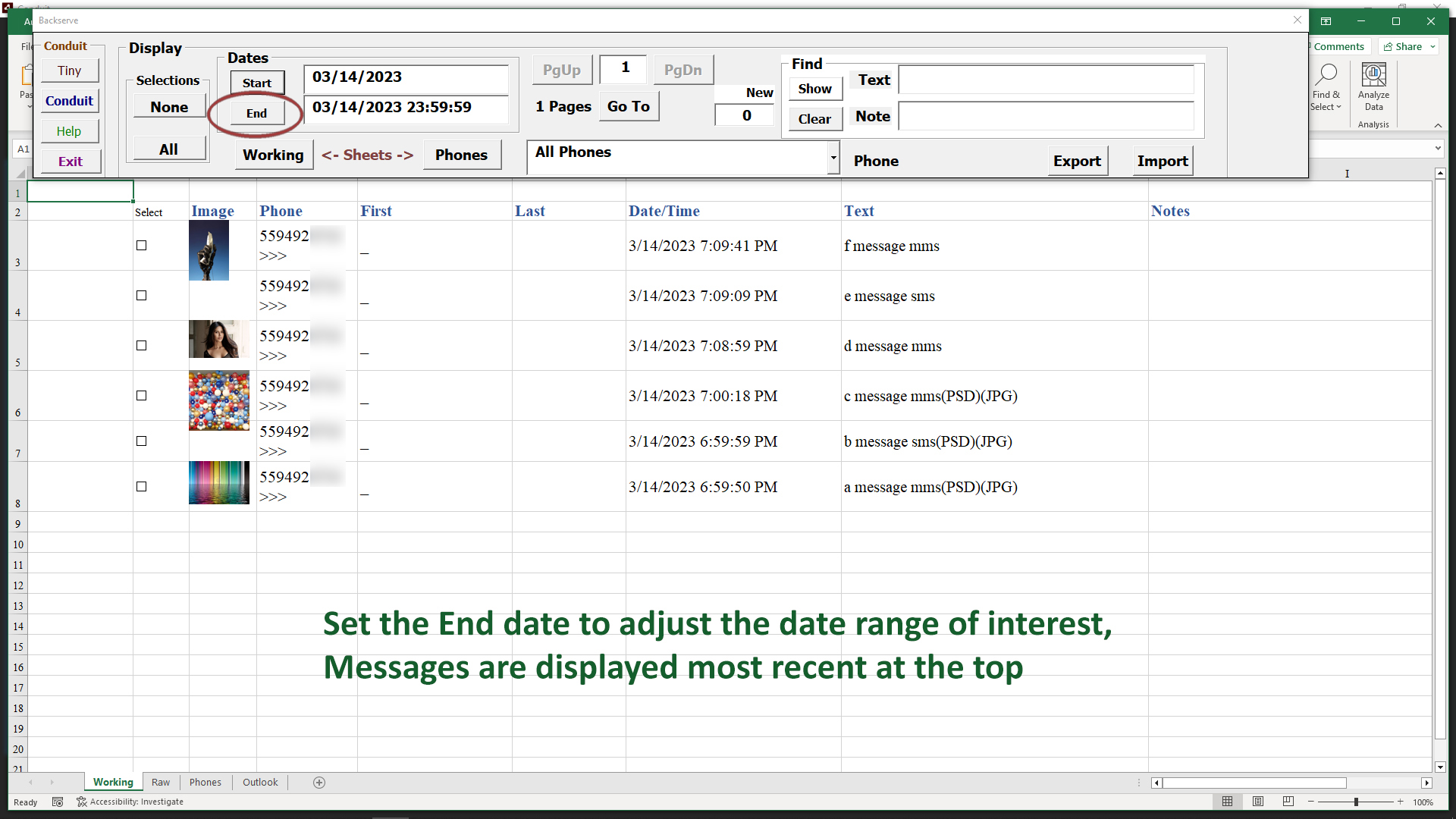
An important way of organizing messages is to focus on a date range that you want to work with. Click the End button next to the End date.
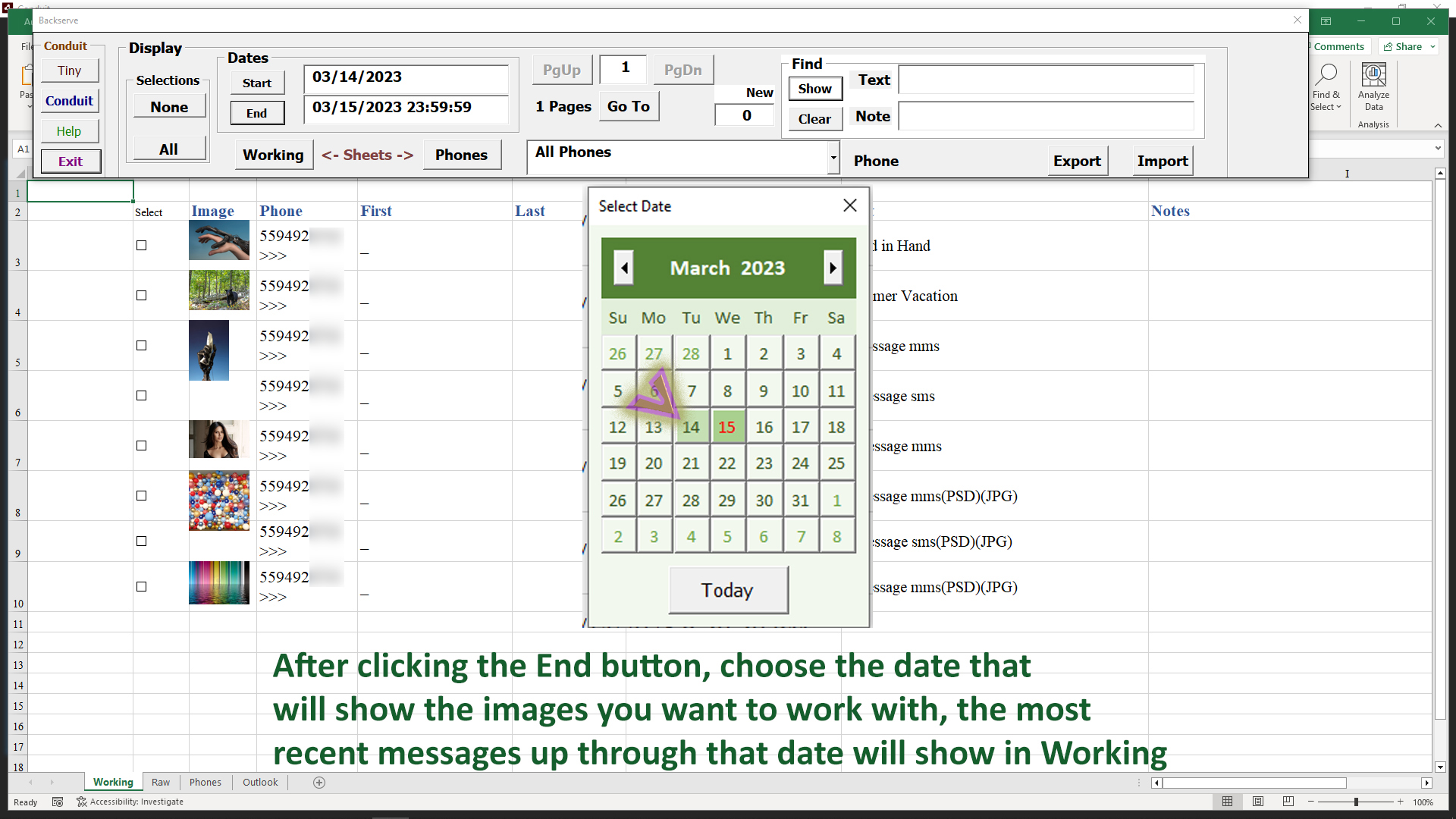
Pick a date from the calendar, and it will set the End date. You could also manually enter a date in the End field, followed by the Show button.
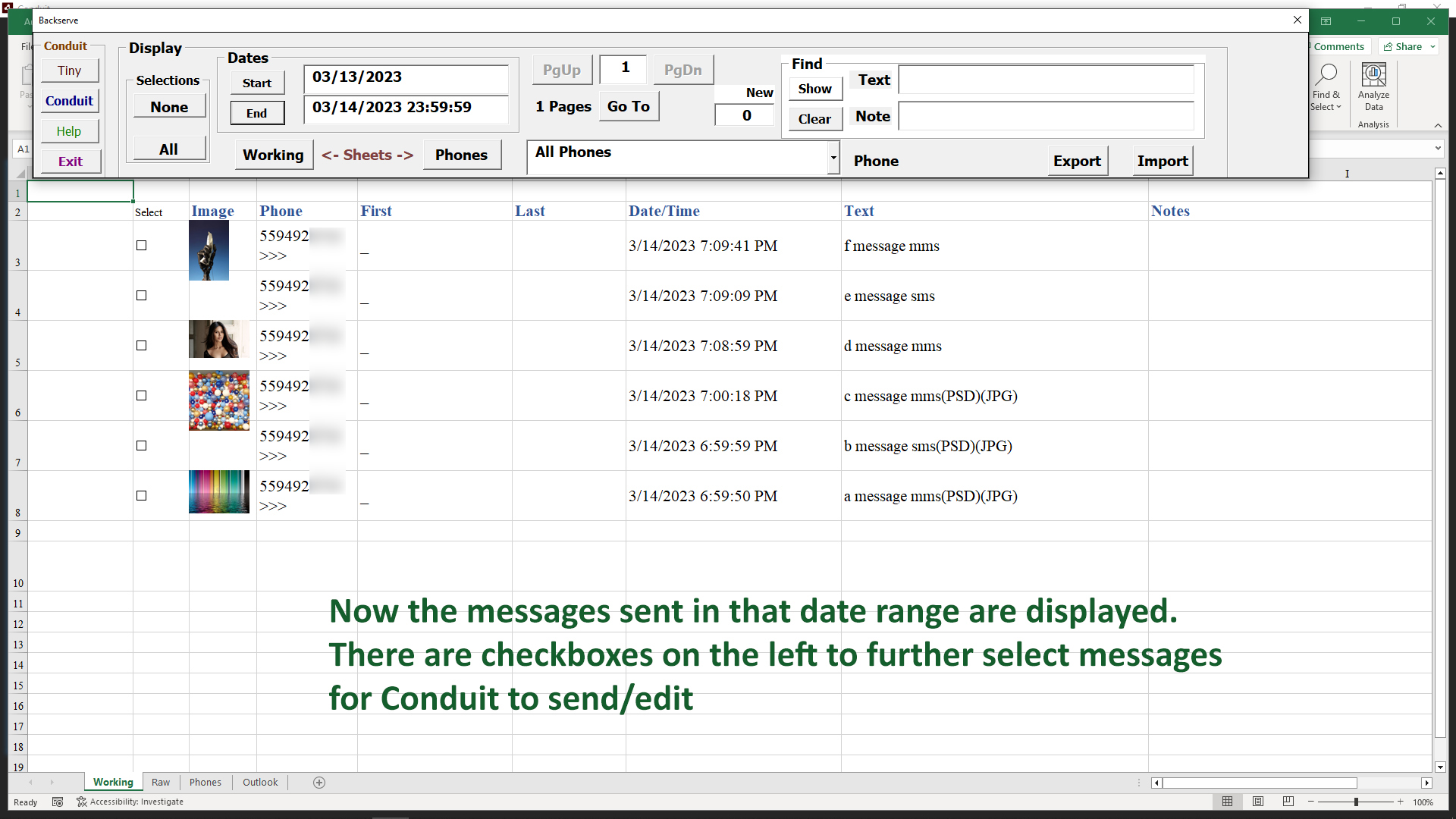
Now the messages within our date range appear, gathered from the Raw sheet. There is a checkbox to the left of each message, that will be used to narrow our range of interest to just the messages we need to work with from that period of time.