Search Message Text
Searching Message Text
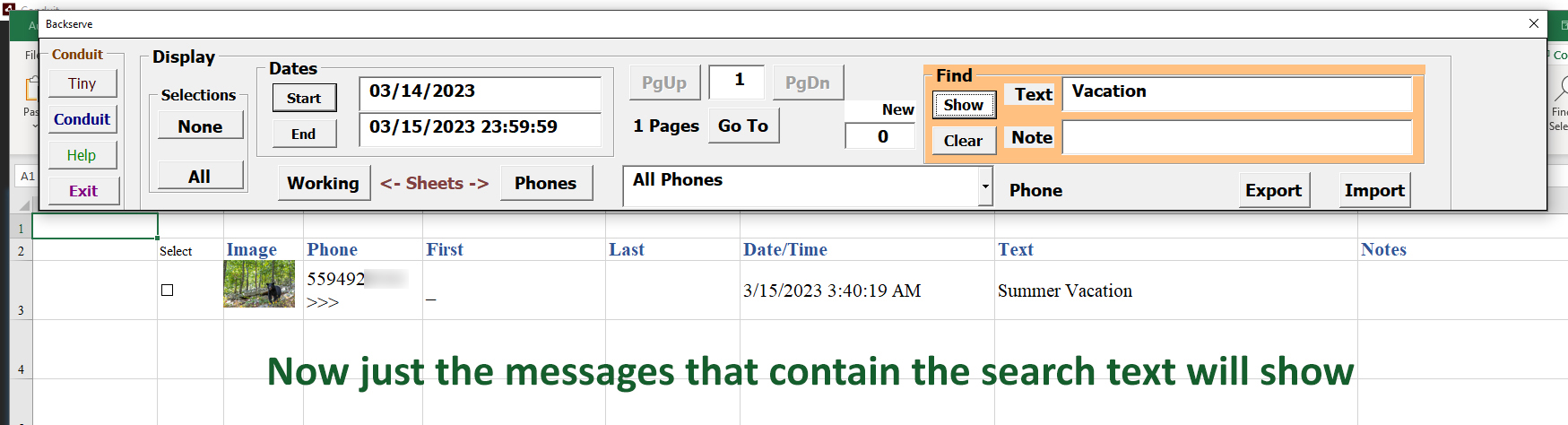
Another way to isolate the messages we want to work with is to search the message content for keywords of interest. Enter the word or phrase that you are targeting in the field shown for finding it in the Text of the message(s).
Click the Show button.

After clicking the Show button the messages that match the search criteria are shown in the Working sheet.
The same type of search can be done on the Notes that appear in the Working sheet. Notes are added by you in the Conduit, or when you change the Notes column of any message in the Working sheet.