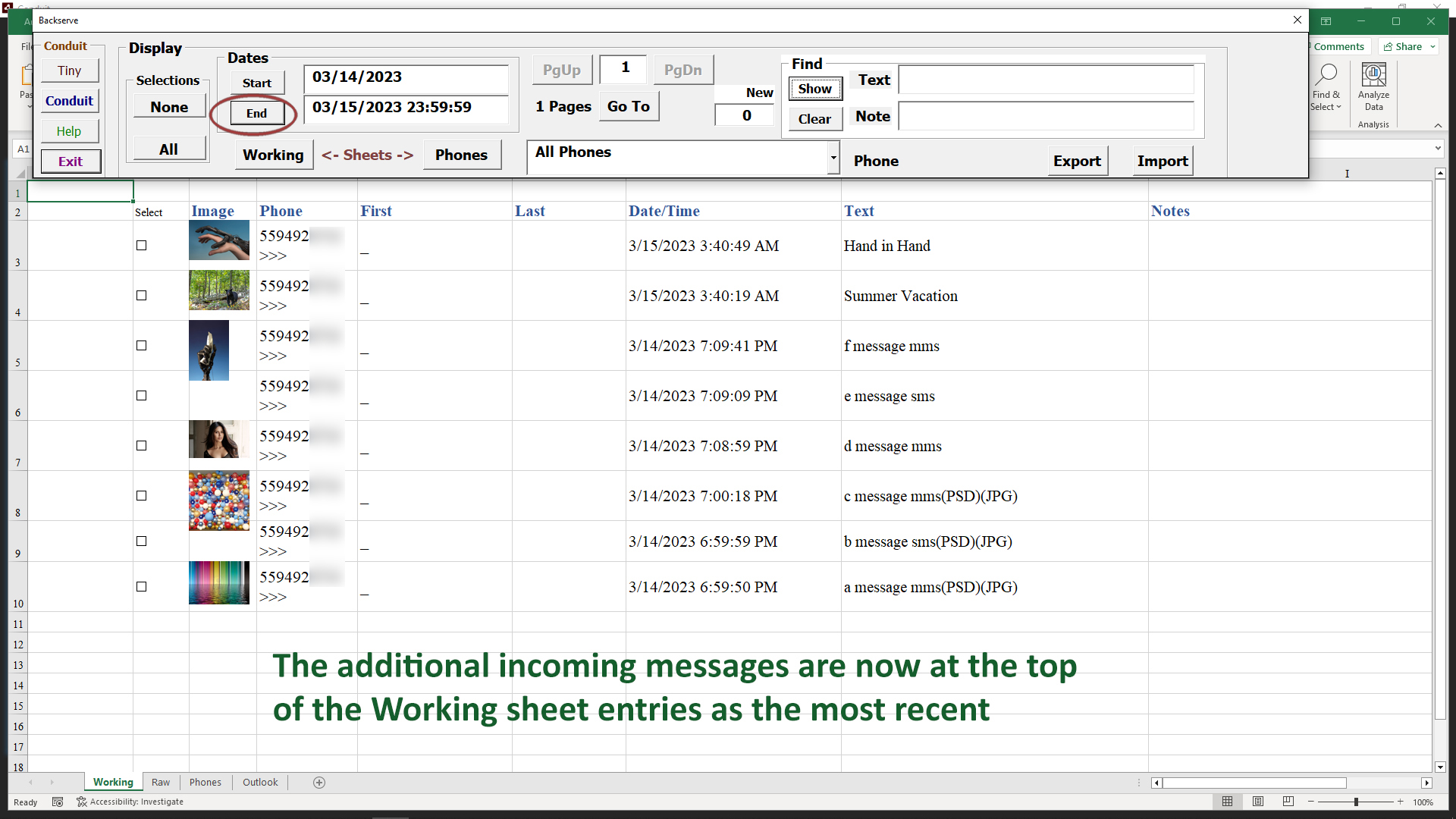
Working Sheet
The Working sheet is the way to reflect the messages we want to further edit or send. Once they are selected to the Conduit, there are more ways to work on that range of images.
Incoming Messages Counter
When Conduit is gathering messages while we are working in Excel, a counter tracks them on the Control panel. The counter field and the Show button turn orange, and the count of incoming messages is shown.
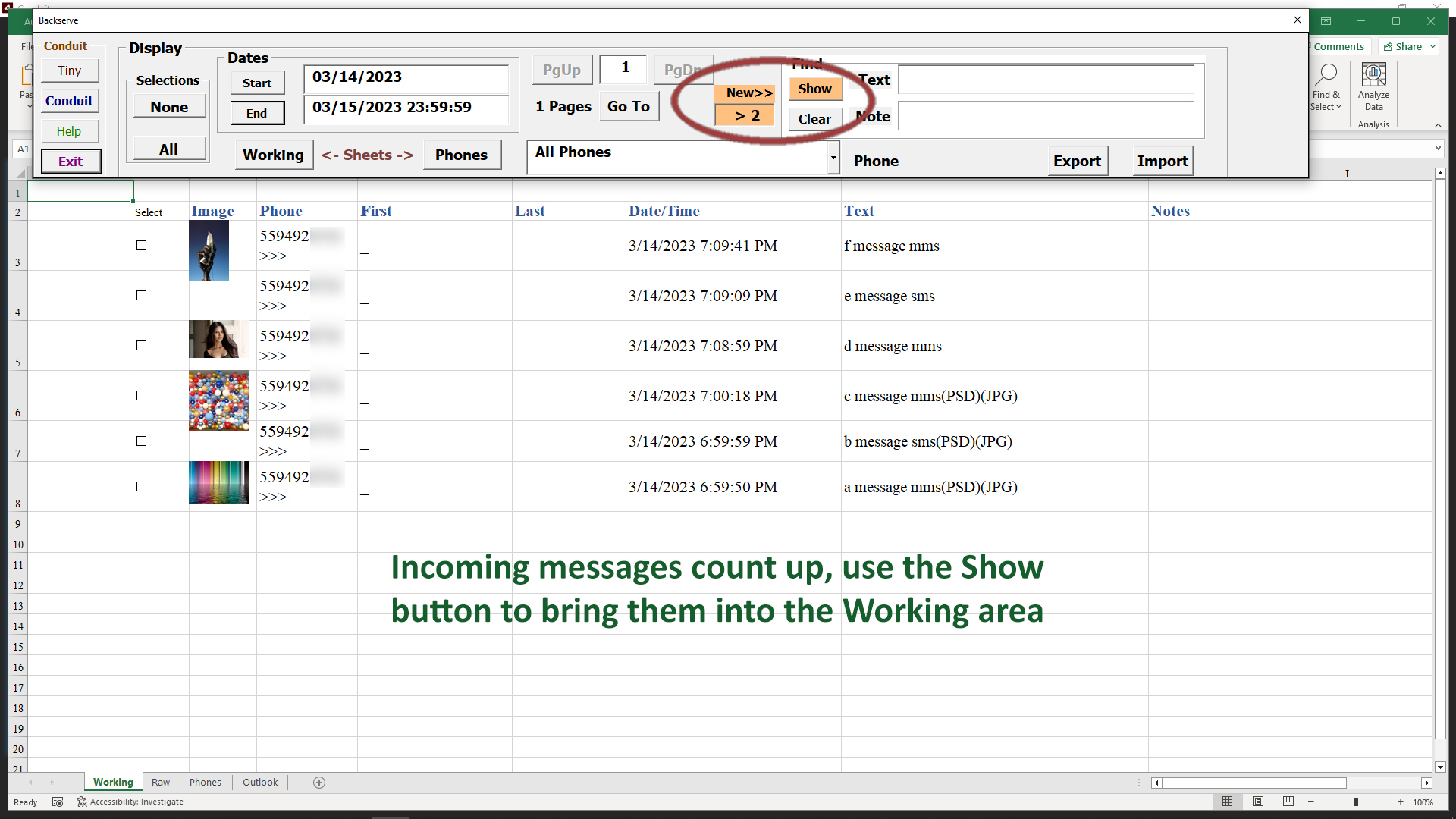
When you are ready to work with the newer messages, click the Show button and they will be displayed at the top of the Working sheet, since they are the most recent messages.
This will clear the counter and it will return to its normal color, showing zero incoming messages, until more arrive.