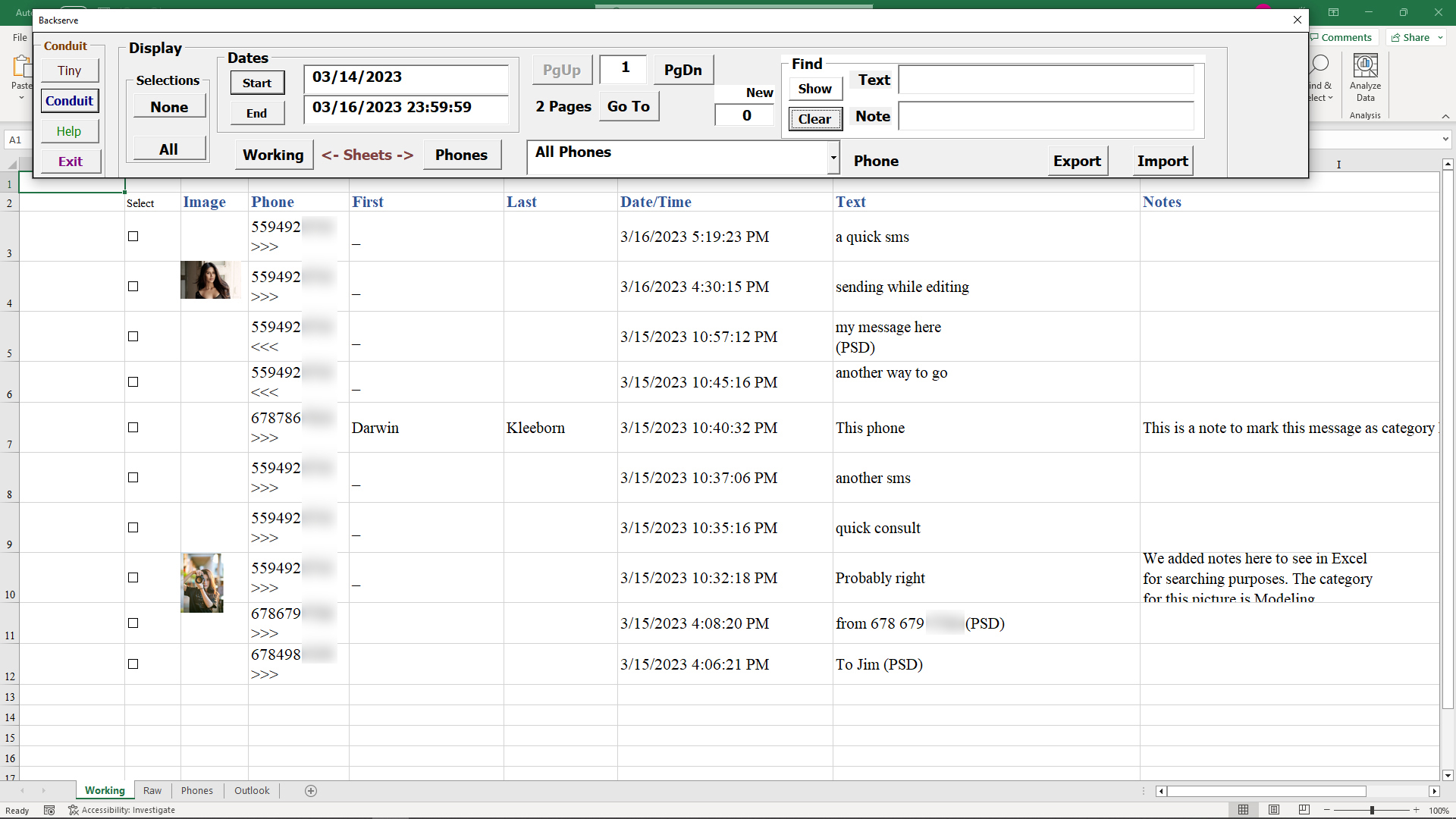
Notes Column on Working Sheet
The Excel workbook can be used to insert notes about messages, to make it easier to find important information later on.
When a message is part of the Working sheet, you can change the Notes column and information placed in that column will persist both in Excel and in the Conduit.
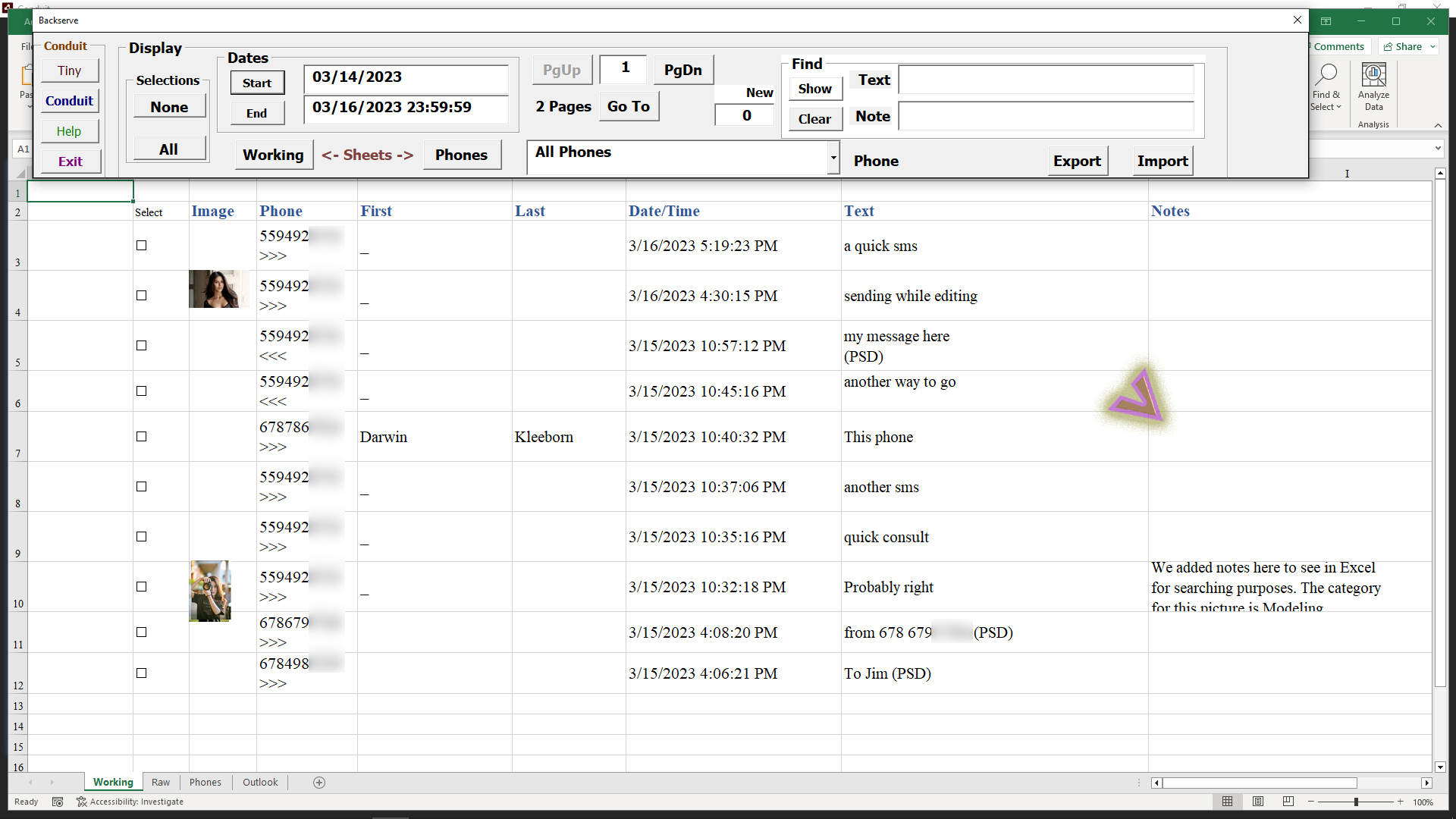
Once you edit the column for a particular message, that information stays with the message.

Select the checkboxes for the messages that you want to work with in Conduit for editing or sending.
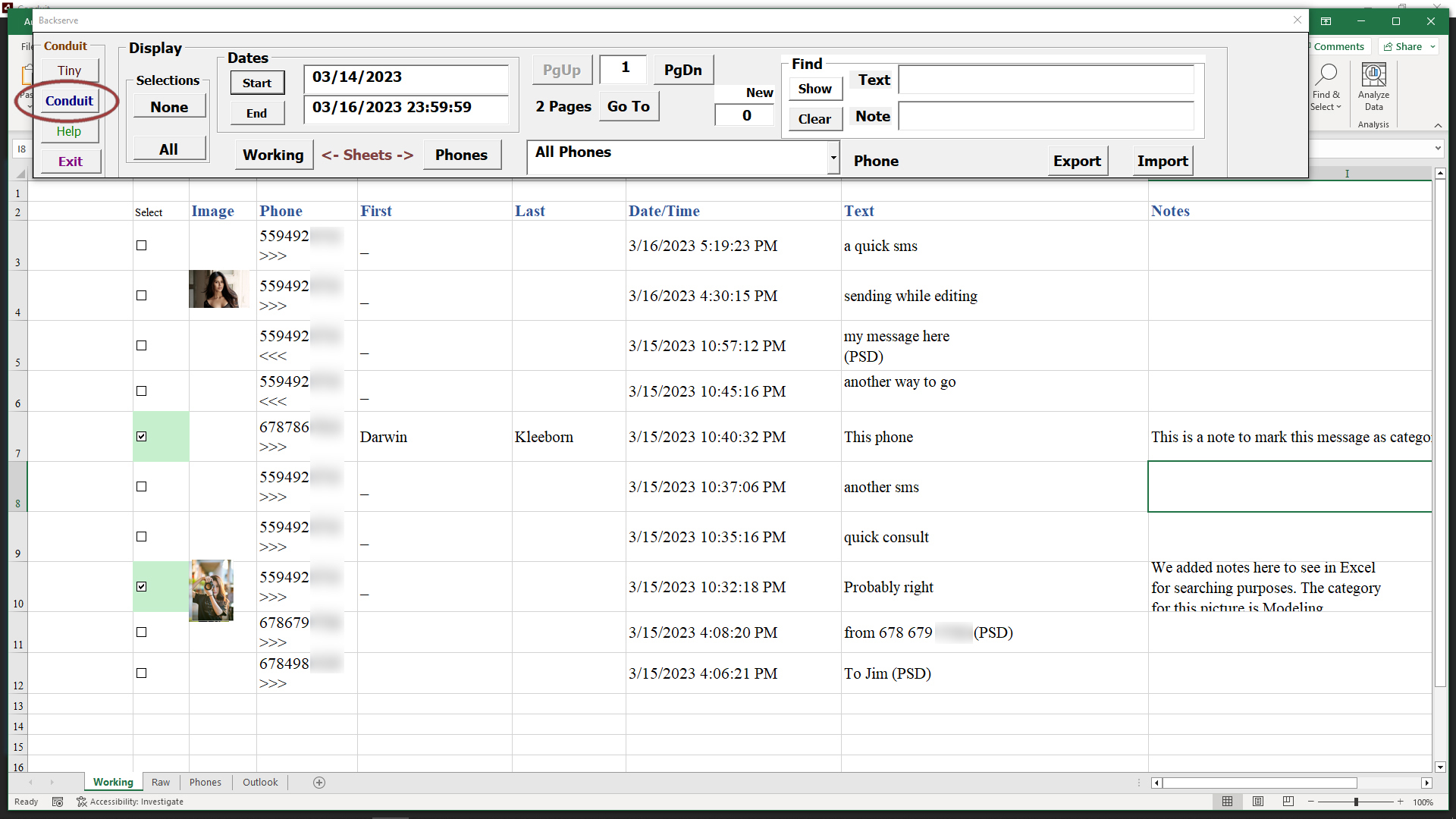
Click the Conduit button in the Control panel.
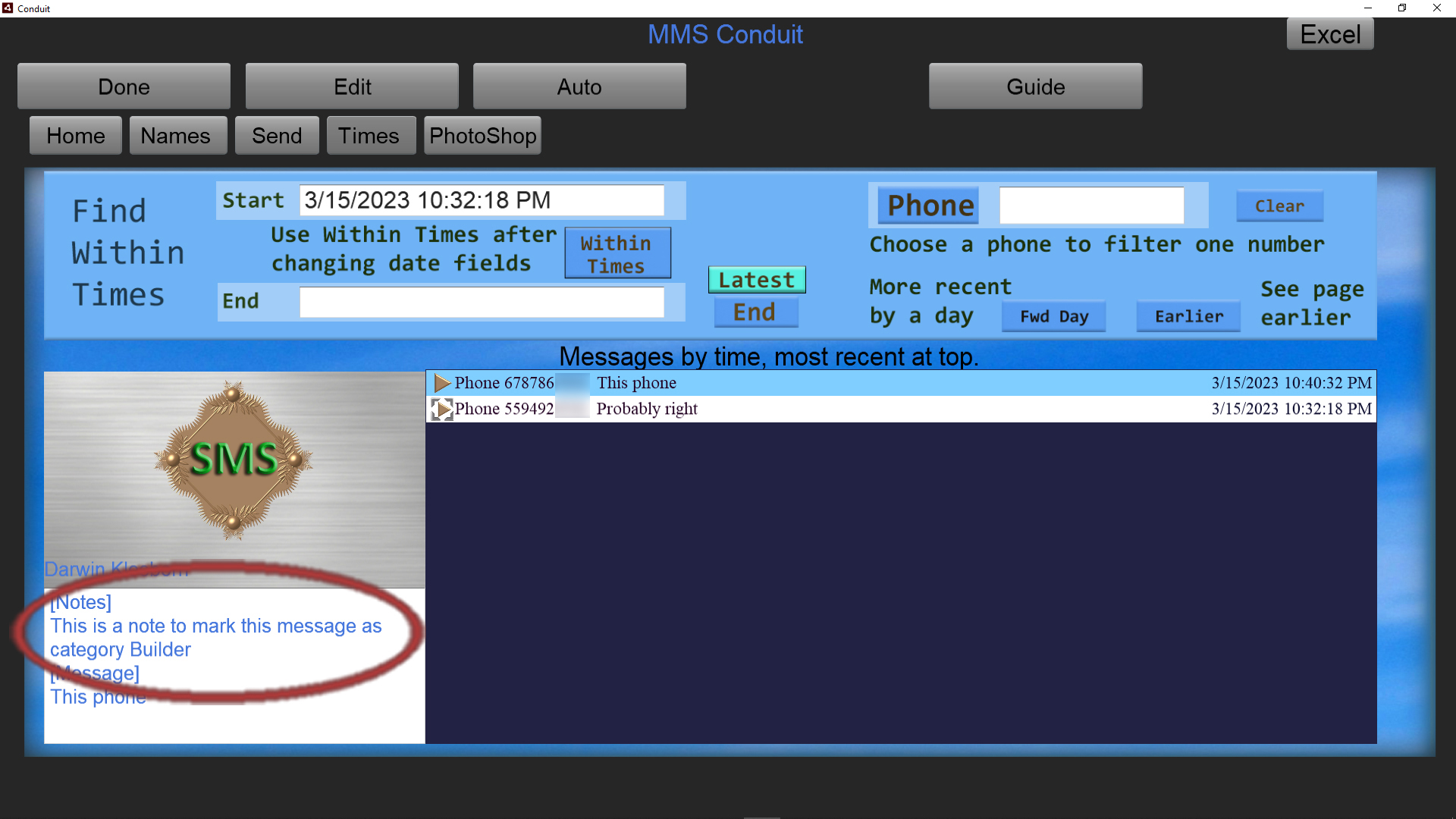
The two messages we selected will show in the Conduit Times tab, We clicked the entry in the message list that was changed in Excel.
In Conduit you can modify the notes, and these changes will show up in Excel also.
Return to Excel by clicking the Excel button in the upper right of Conduit.

When we enter a phrase or word mentioned in the notes of a message we can search for it and isolate those messages quickly.
We used the word Builder in the message notes for the one we changed in Excel.
Enter that into the Note search field, and click the Show button.

Now you can see the messages with Builder in the Notes field, our notes were the only message with that term.
Make sure you hit the Clear button to remove that search restriction after working with the message that you searched for.